
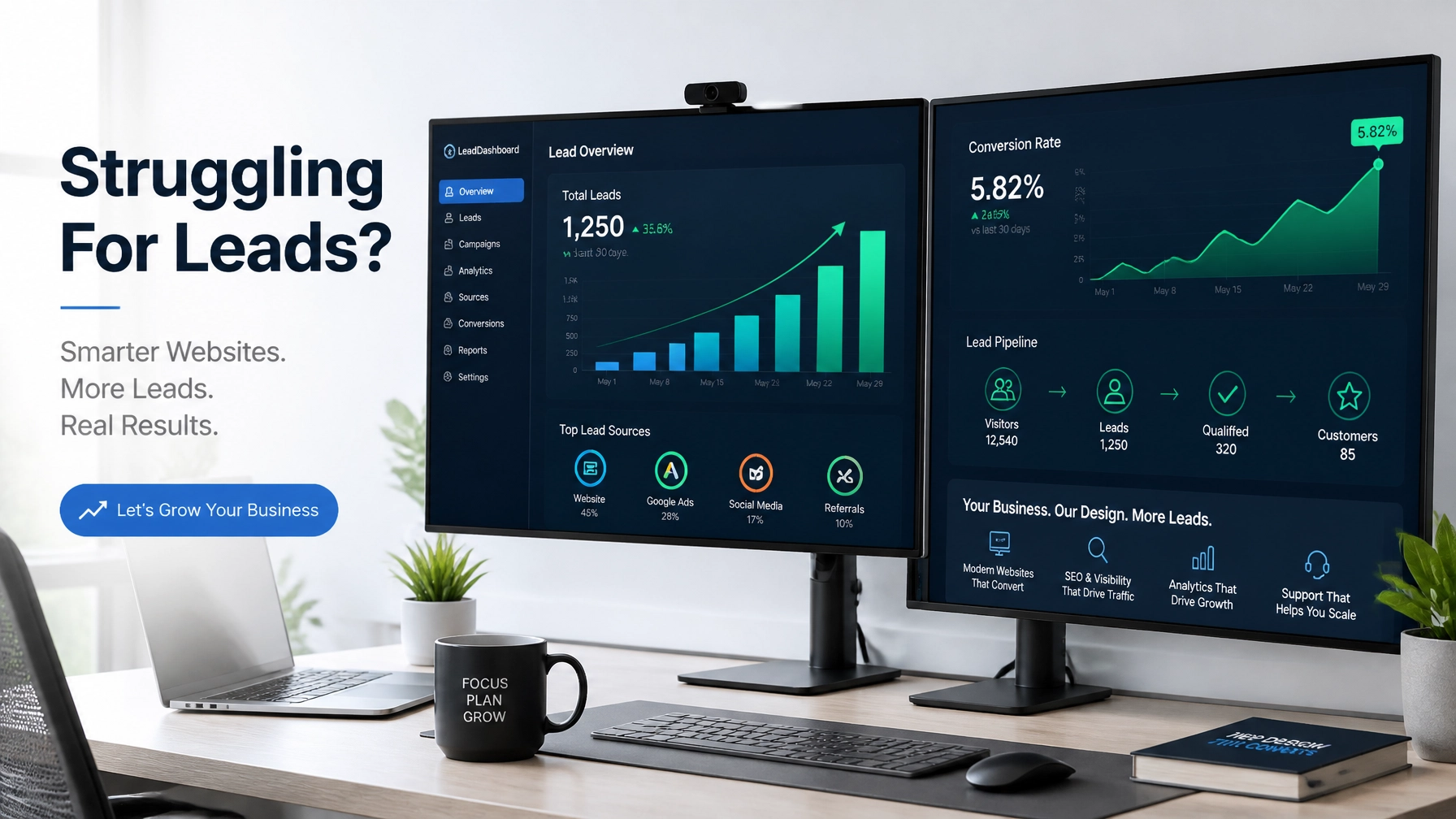
Hi there! If you’re reading this, you’ve probably felt that sinking feeling of checking your website analytics and seeing… well, nothing. Or maybe you’re seeing plenty of visitors, but your phone isn't ringing and your inbox is as quiet as a library at 3 AM.
Let’s talk about the elephant in the room: traffic is great, but leads are the lifeblood of your business. If your website isn't turning visitors into customers, it’s just a digital paperweight. That’s where conversion rate optimization (CRO) comes in. It’s the art and science of making your site work harder so you don’t have to.
At Catelleon Solutions, LLC, we see small businesses struggle with this every day. You don’t need a million-dollar budget to fix it; you just need to stop the leaks. Whether you are looking for a full website redesign services or just want to tweak your existing setup, these 50+ examples will help you grab more clicks and dominate your local market.
Let’s dive in!
1. Above-the-Fold: First Impressions Count
You have about five seconds to convince a visitor they’re in the right place. Don't waste them.
- The "One-Action" Rule: Ditch the rotating carousels. Pick your #1 goal (like "Get a Quote") and make it the star of the show.
- Benefit-Driven Headlines: Instead of "We Fix Pipes," try "Same-Day Emergency Plumbing, Get Your Water Flowing Again."
- The "Z-Pattern" Layout: Place your logo top left and your primary CTA top right. It’s where people naturally look.
- Sticky Headers: Keep your phone number and "Book Now" button visible as the user scrolls.
- Sub-headlines that Validate: Use a small sentence under your main headline to explain exactly how you solve the problem.
- Human Faces: Use real photos of your team or happy customers. People buy from people, not stock photos of generic handshakes.
Why it matters: Your hero section is the "handshake" of your business. If it's confusing, people walk away before they even know what you offer.
2. Trust & Social Proof: The "Is This Guy Legit?" Factor
Before someone gives you their email or credit card, they need to know you won't disappear into the digital void.
- Google Review Badges: Don’t just say you’re 5-star; show the badge.
- Real-Time Testimonials: Use tools that pull in your latest reviews automatically.
- Case Study Snippets: "How we saved [Client Name] 40% on their energy bill."
- Industry Certifications: Display logos for BBB, local Chambers of Commerce, or specific trade licenses.
- Security Seals: If you offer ecommerce website development, Norton or McAfee badges near the checkout are essential.
- Client Logos: If you’re B2B, show off the brands you’ve worked with.
- "Insured & Bonded" Text: For service businesses, this tiny line can be the difference between a lead and a skip.

3. Form Optimization: Stop Scaring People Away
Forms are where most leads go to die. Let’s make them painless.
- The "Short & Sweet" Approach: Ask for Name and Email first. Do you really need their fax number?
- Multi-Step Forms: For complex quotes, break it into three steps. It feels less overwhelming.
- Inline Validation: Show a green checkmark when a field is filled out correctly. It’s satisfying!
- Clear Error Messages: Instead of "Error," say "Oops! Looks like that email is missing an @."
- Placeholder Examples: Put "e.g., John Smith" in the name box so users know exactly what to do.
- Privacy Reassurance: A small note like "We hate spam too" under the submit button builds trust.
- Smart Auto-fill: Enable browser auto-fill so users can fly through your form in seconds.
Why it matters: Every extra field you add to a form can drop your conversion rate by 10%. Keep it lean!
4. Copy & Messaging: Talk Like a Human
Nobody wants to read corporate jargon. They want solutions.
- Use "You" More Than "We": It’s about their problem, not your ego.
- The Power of "Free": "Free Consultation" beats "Consultation" every single time.
- Address Objections Head-On: Use a "Common Questions" section to answer things like "How much does it cost?"
- Urgency (When Real): "Only 2 spots left for December" works like a charm for service providers.
- The "Micro-Copy" Win: Change your button from "Submit" to "Get My Free Plan."
- Bullet Points: Use them for benefits. People scan; they don’t read novels.
- Local Flavor: Mention your city. If you’re looking for local seo services, this is a must-have for relevance.
5. Navigation & UX: Don't Make Them Think
If your site is a maze, your visitors will just leave and find a straight line.
- Limited Menu Items: Keep your top nav to 5-7 items max.
- Descriptive Links: Instead of "Services," use "AC Repair" or "Web Design."
- Breadcrumbs: Help users find their way back to the main category.
- Search Bar: If you have a lot of content, a search bar is a lifesaver.
- Large Clickable Areas: Ensure buttons are big enough for "fat fingers" on mobile.
- Consistent Branding: Your colors and fonts should stay the same across every page.
- The 3-Click Rule: Users should be able to find what they need in three clicks or less.

6. Technical & Performance: The Hidden Conversion Killers
You can have the best copy in the world, but if the site doesn't load, nobody will see it.
- Lightning Speed: Aim for under 3 seconds. Use website maintenance services to keep things optimized.
- Image Compression: Big photos kill speed. Squish them!
- Mobile Responsiveness: It’s 2026. If your site doesn't look perfect on a phone, you're invisible.
- Browser Compatibility: Test your site on Safari, Chrome, and even the fridge screen if people use it!
- Eliminate 404s: Broken links are trust killers.
- HTTPS Everywhere: That "Not Secure" warning in the browser is the kiss of death for leads.
- Clean Code: Use modern frameworks to ensure your site is readable by both humans and AI bots.
7. Mobile & Local Specifics: Win the Neighborhood
Most small business searches happen on the go. Be there when they need you.
- Click-to-Call Buttons: A huge button that launches the phone app is a lead-gen machine.
- Map Integration: Embed a Google Map so they can get directions in one tap.
- Localized Landing Pages: If you serve five cities, have a dedicated landing page design for each one.
- Google Business Profile Link: Encourage people to check out your real-world presence.
- Local Language: Use the terms people in your area actually use (e.g., "Soda" vs "Pop").
- Current Offers: Show a "Today Only" local special for your shop.
- SMS Options: Let people text you for a quote: many prefer it over a call.
8. Testing & Strategy: Never Stop Improving
CRO isn't a "set it and forget it" task. It’s a cycle.
- Heatmaps: Use tools like Hotjar to see where people are clicking (or where they aren't).
- A/B Testing: Test two different headlines and see which one gets more clicks.
- Exit-Intent Popups: Give them one last reason to stay (like a free guide) before they close the tab.
- AI Chatbots: An AI assistant can answer basic questions 24/7, keeping the lead warm.
- Video Content: A 30-second intro video can boost conversions by up to 80%.
- Social Media Integration: Link your social media marketing services to show you have an active community.
- Google Ads Alignment: Ensure your google ads management leads to a page that actually matches the ad's promise.

Making It All Work Together
That’s a lot of info, right? Don't worry: you don't have to do it all at once. Start with the "Above-the-Fold" basics and work your way down.
If you're feeling overwhelmed, remember that seo services for small business aren't just about ranking on Google; they're about what happens after the click. A high-ranking site that doesn't convert is just a vanity project.
Ready to stop struggling for leads and start dominating your local market? At Catelleon Solutions, LLC, we specialize in small business web design that doesn't just look pretty: it performs. We bridge the gap between technical expertise and real-world business growth.

Let’s talk about your project!
Whether you need a fresh start with a new design or want us to dive into your analytics to find the leaks, we’re here to help. Don't let another lead slip through the cracks. Future-proof your business and make sure your site is found, read, and trusted.
WE’RE LISTENING. Reach out to us at Catelleon Solutions, LLC Today!